Introduction:
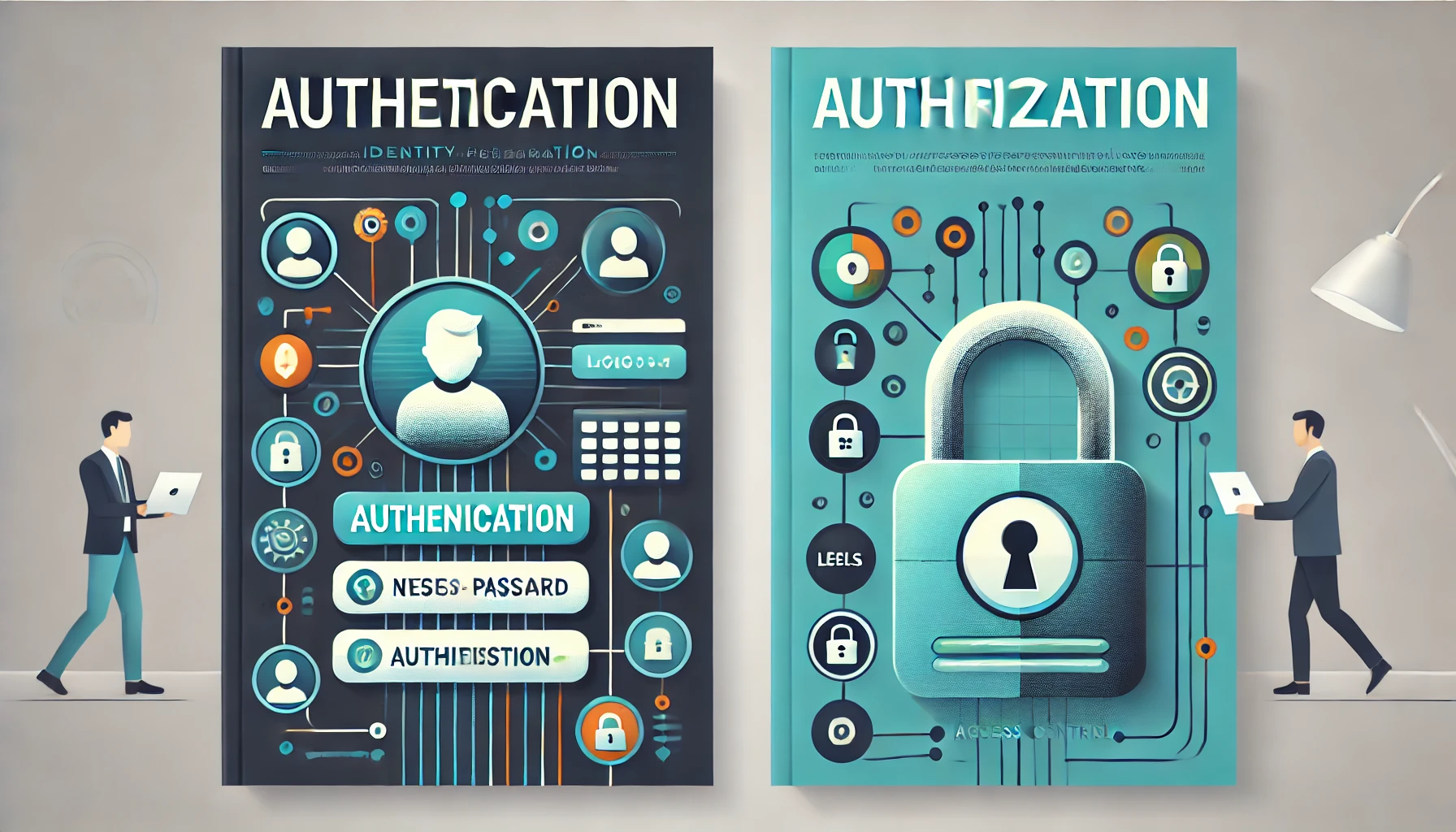
Authentication and Authorization are two critical terms that form the backbone of security on the internet. Together, they help protect our personal information, prevent unauthorized access, and ensure that only trusted users can access certain features or data.
To make things simple and sound, imagine you’re at the entrance of a big concert. To get inside, you need to show your ticket and maybe even prove who you are. But once you’re in, there are certain areas you can and can’t go. This is a lot like how Authentication and Authorization work on the internet!
Let’s make a deeper dive into each term and why they’re so essential for security on the internet.
What is Authentication?
Authentication is like proving who you are. It’s a process that helps a system verify that you are actually who you claim to be.
Example:
Imagine you have a school ID card. When you show it to the school gatekeeper, they let you in because they recognize that you’re a student there.
- In the digital world: Authentication often involves things like entering a username and password. If you enter the right information, the system lets you in, just like the gatekeeper at school.
Why is Authentication Important?
Protects Personal Data: Think about all the personal details you store online – your social media profiles, email, bank accounts, and more. Authentication ensures that only you (or someone with your permission) can access this information.
Prevents Fraud: By confirming a user’s identity, authentication helps prevent fraud. It stops people from pretending to be someone else, which is crucial in financial transactions, healthcare, and other sensitive areas.
Common Ways to Authenticate:
Passwords – Like a secret code only you know.
OTP (One-Time Password) – A unique number sent to your phone that you use just once.
Biometrics – Like using your fingerprint or face recognition.
What is Authorization?
Authorization is about deciding what you’re allowed to do once you’re inside. It’s the permissions that define what you can access or change.
Example:
After you enter your school, you may be allowed into the library or the sports ground, but maybe not the principal’s office. Each area has rules on who can go in.
- In the digital world: After you log in to a website, you might be allowed to view your profile or make changes to it, but you might not be allowed to change other people’s profiles. We enforce authorization through either Role-Based Access Control (RBAC) or Attribute Access Control (ACC). We will talk about this is next blogs.
Why is Authorization Important?
Restricts Access to Sensitive Data: Not everyone who logs into a system needs access to all areas. Authorization makes sure that users can only access information that’s relevant to them, keeping sensitive data safe.
Prevents Misuse of Privileges: Authorization limits users to specific actions based on their roles. For example, in a company’s system, regular employees might be able to view only their own information, while managers have access to team data, and admins can view everything.
Types of Permissions (Authorization):
View Only – You can look at the information, but not edit it.
Edit Access – You can view and make changes.
Admin Access – You have complete control, like a teacher having access to all student records.
The Differences?
| Authentication | Authorization |
| Proves who you are. | Decides what you can do. |
| Happens first. | Happens after authentication. |
| Controlled by login details. | Controlled by permissions. |
How Authentication and Authorization Work Together to Protect Us
Let’s take the scenario of using the Instagram app:
Authentication: First, we enter our username and password. The system verifies the identity, perhaps even asking for a second factor, like a code sent to their phone.
Authorization: Once logged in, the app checks our authorization level. For example, if we try to view the profile of a user who has enabled a private profile, their details will remain hidden from us.
By combining authentication (verifying who someone is) and authorization (defining what they can do), systems can keep data safe, allowing only trusted users to access and interact with it appropriately.
Summary
On the internet, vast amounts of sensitive data are shared, stored, and accessed every second – from personal identities to financial information. Without strong authentication and authorization measures, it would be easy for unauthorized users to break in and misuse this data.
Together, these two processes form a secure digital barrier that protects users, allowing them to interact online safely and confidently.
About the author
"Tech-savvy Computer Engineer with a passion for ML, NLP, and cloud solutions. AWS explorer and Full Stack problem solver—always up for a new tech challenge, one line of code at a time!"
Comments
Join the discussionNo comments yet. Be the first to comment.


